
Yours on Android. No Google needed.
A native app from F-Droid, without Google Play Services.
 Get it on F-Droid
How it goes.
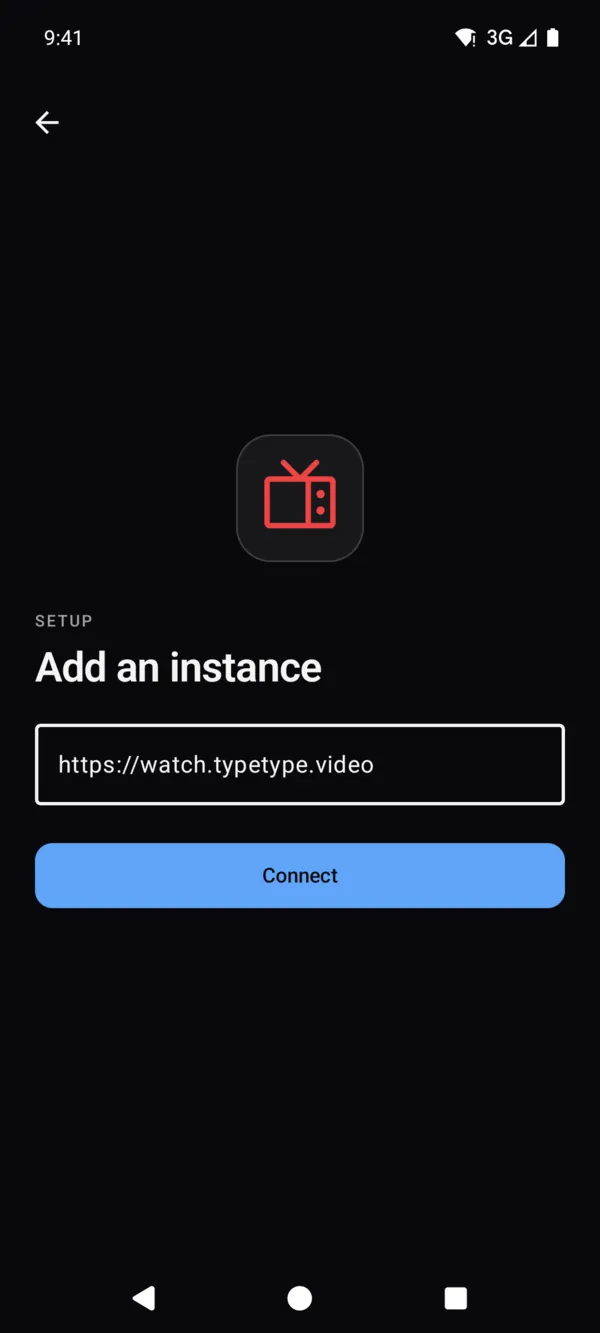
Connect your instance
Type its address, then sign in or continue as a guest.
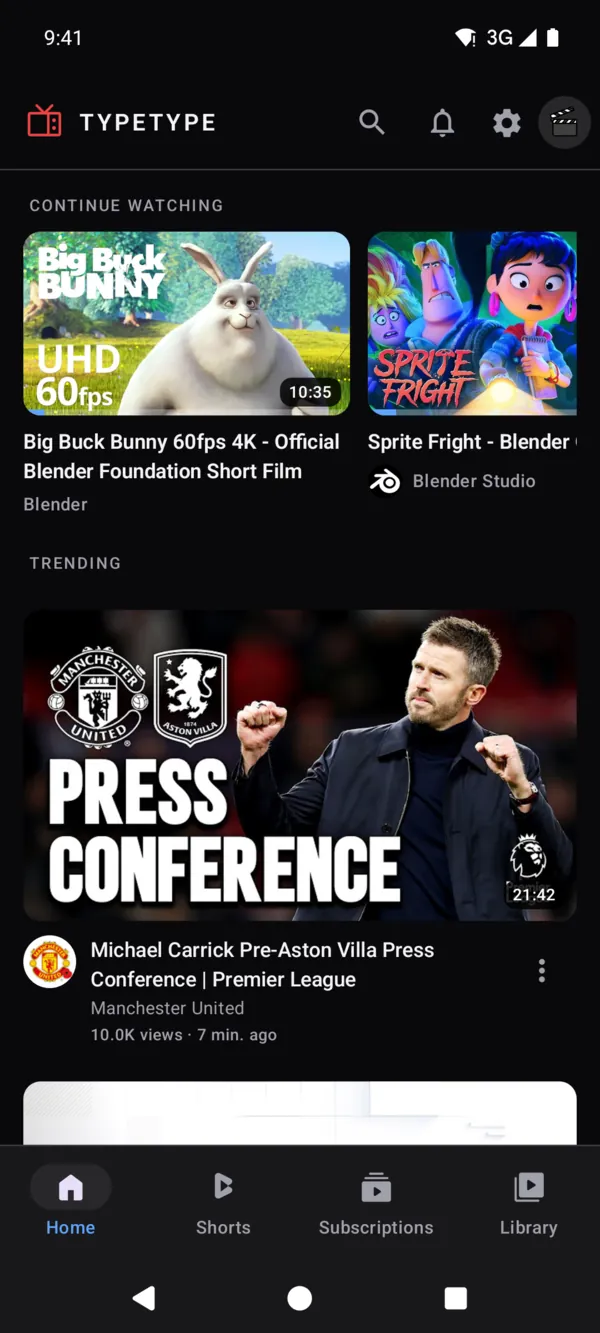
Pick up where you left off
What you were watching waits at the top of your home.
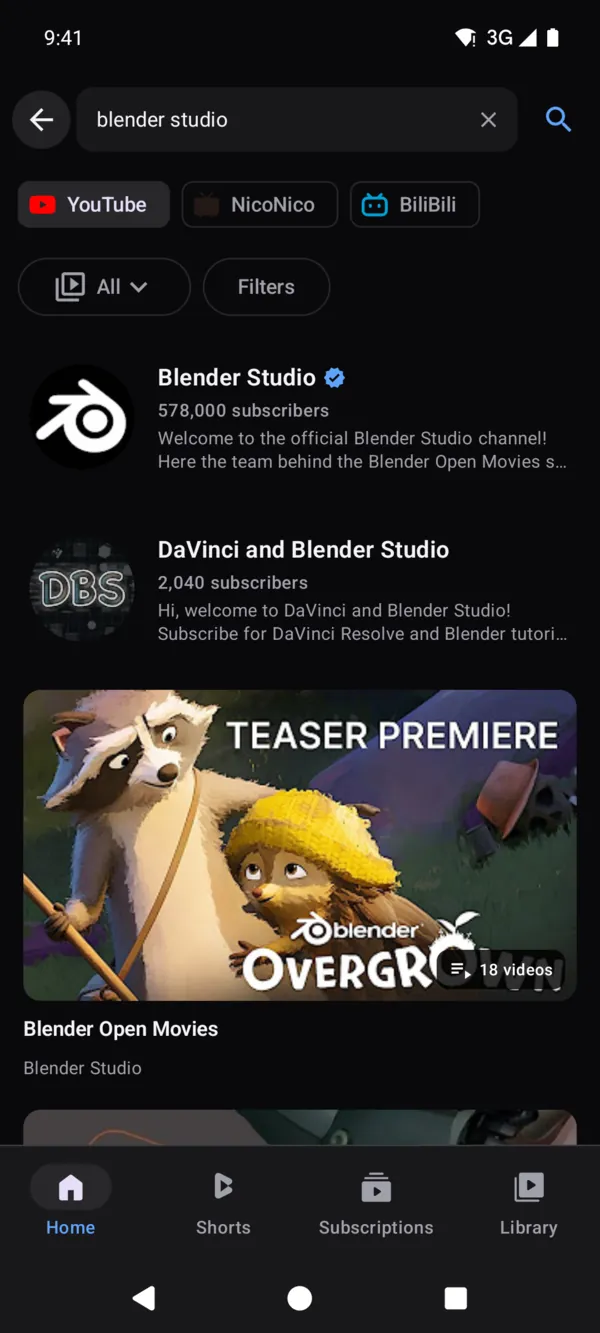
Search everything
Channels, videos, playlists and music, with filters.
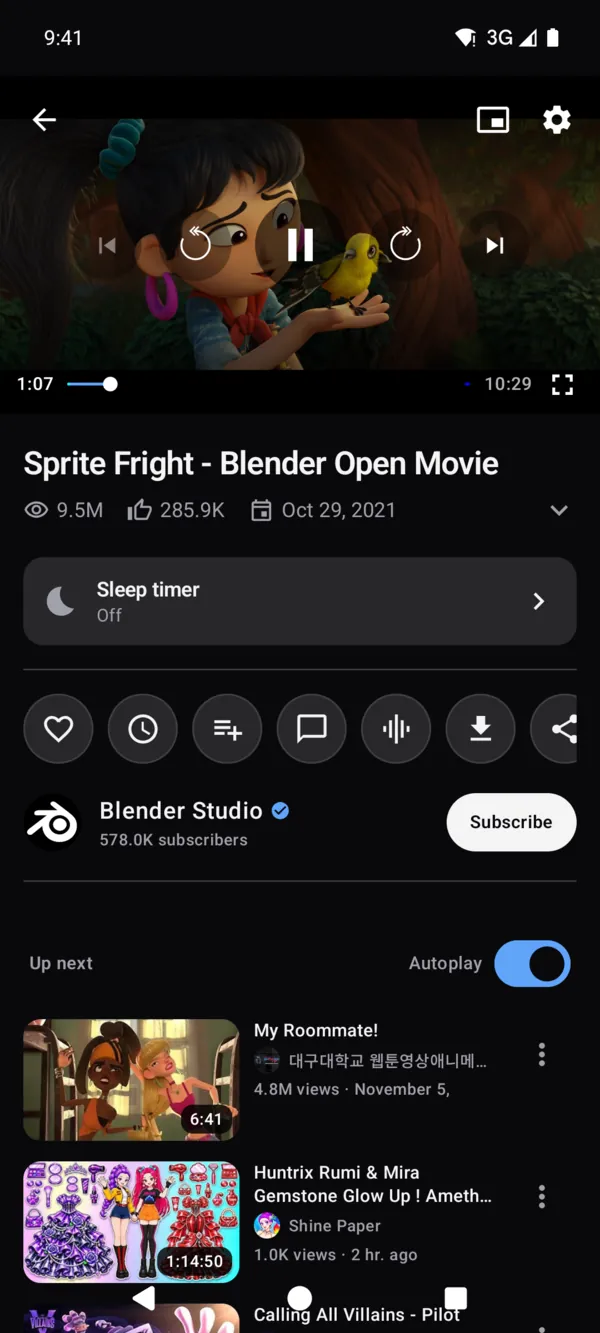
Watch your way
Quality, captions, speed, a sleep timer and picture in picture.
Make it yours
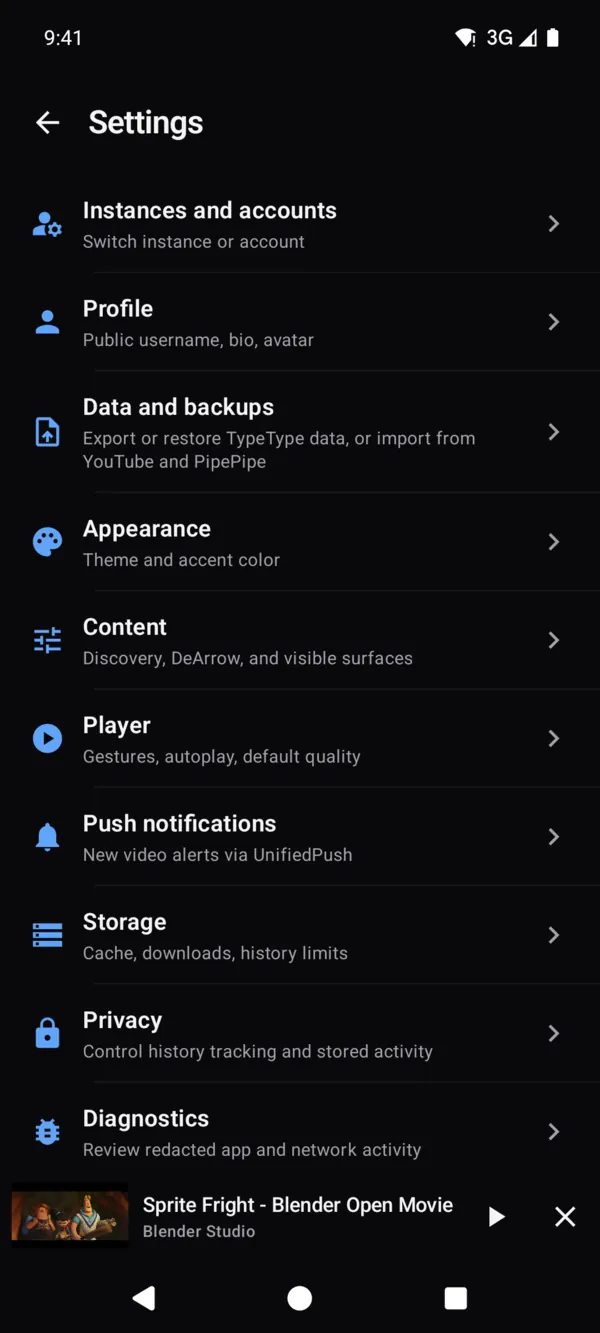
Themes, accent color, gestures and privacy, each on its own page.
Your turn.
Best on an instance you host yourself. The public one is there to try it out.
Also on
Host your own instance.
You need a machine with Docker Engine and Docker Compose v2. Run this and follow the prompts:
$ curl -fsSL https://typetype.video/install | bash- One command sets up the whole stack with Docker Compose.
- Secrets are generated for your install, and nothing starts without your OK.
- Update and roll back with the guides, your data stays in place.