
The whole of TypeType, in a tab.
Nothing to install. Open your instance and you are home.
How it goes.
Open it anywhere
Your instance is a web address. Any modern browser will do.
your-instance.example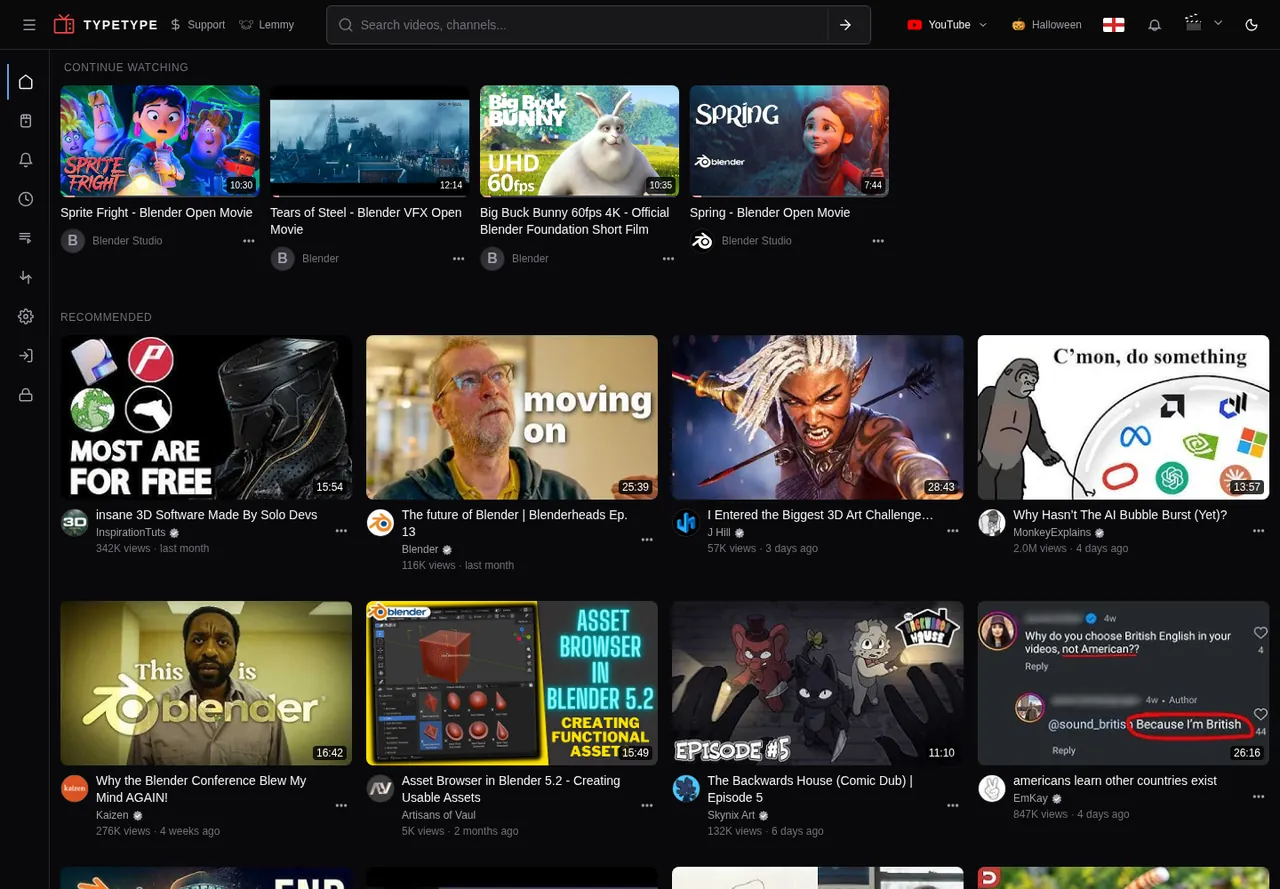
Search all three services
One search bar for YouTube, NicoNico and BiliBili.
your-instance.exampleFollow your channels
Your subscriptions, newest first, without an algorithm in the way.
your-instance.example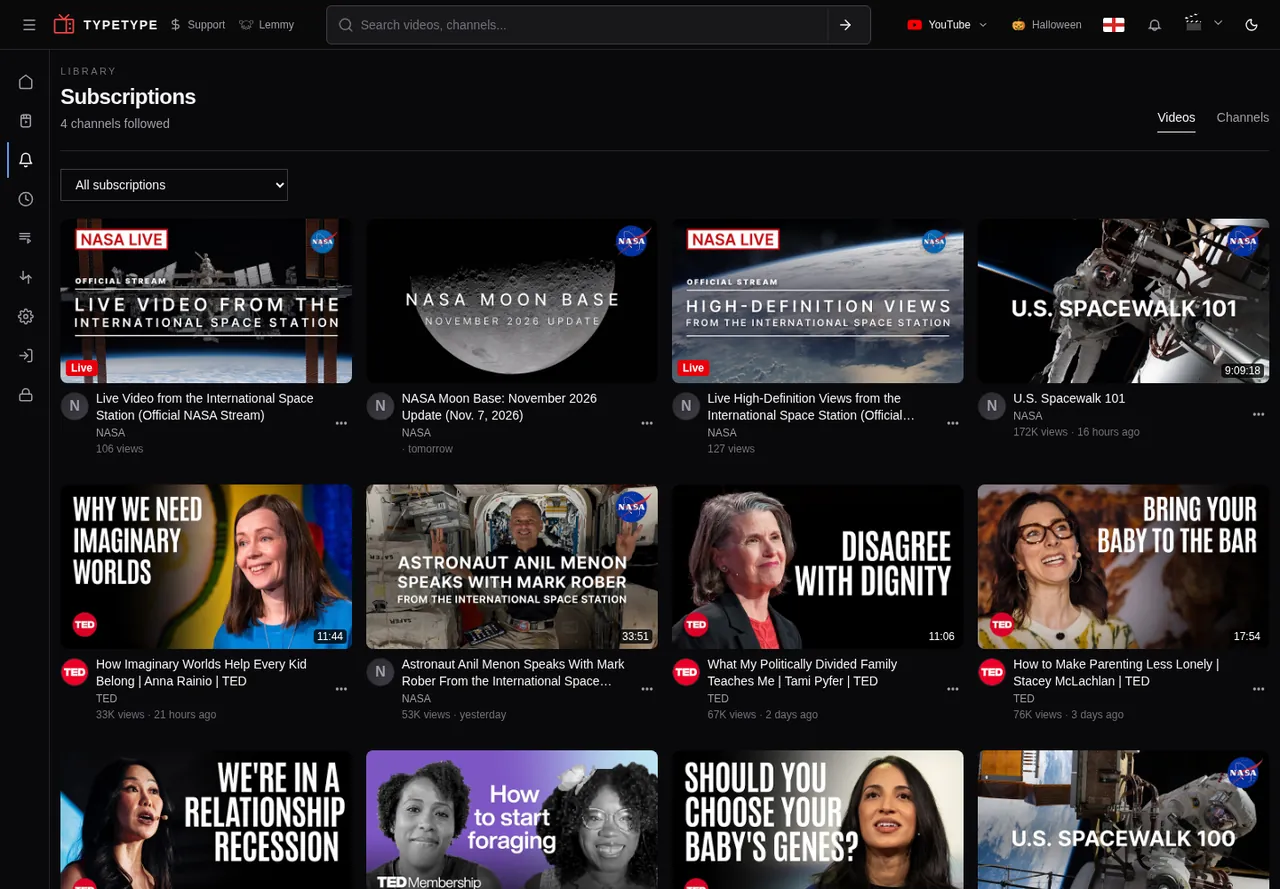
Settle in
Cinema mode widens the player and dims the rest of the page.
your-instance.exampleKeep it yours
History, playlists and favorites stay on your server.
your-instance.example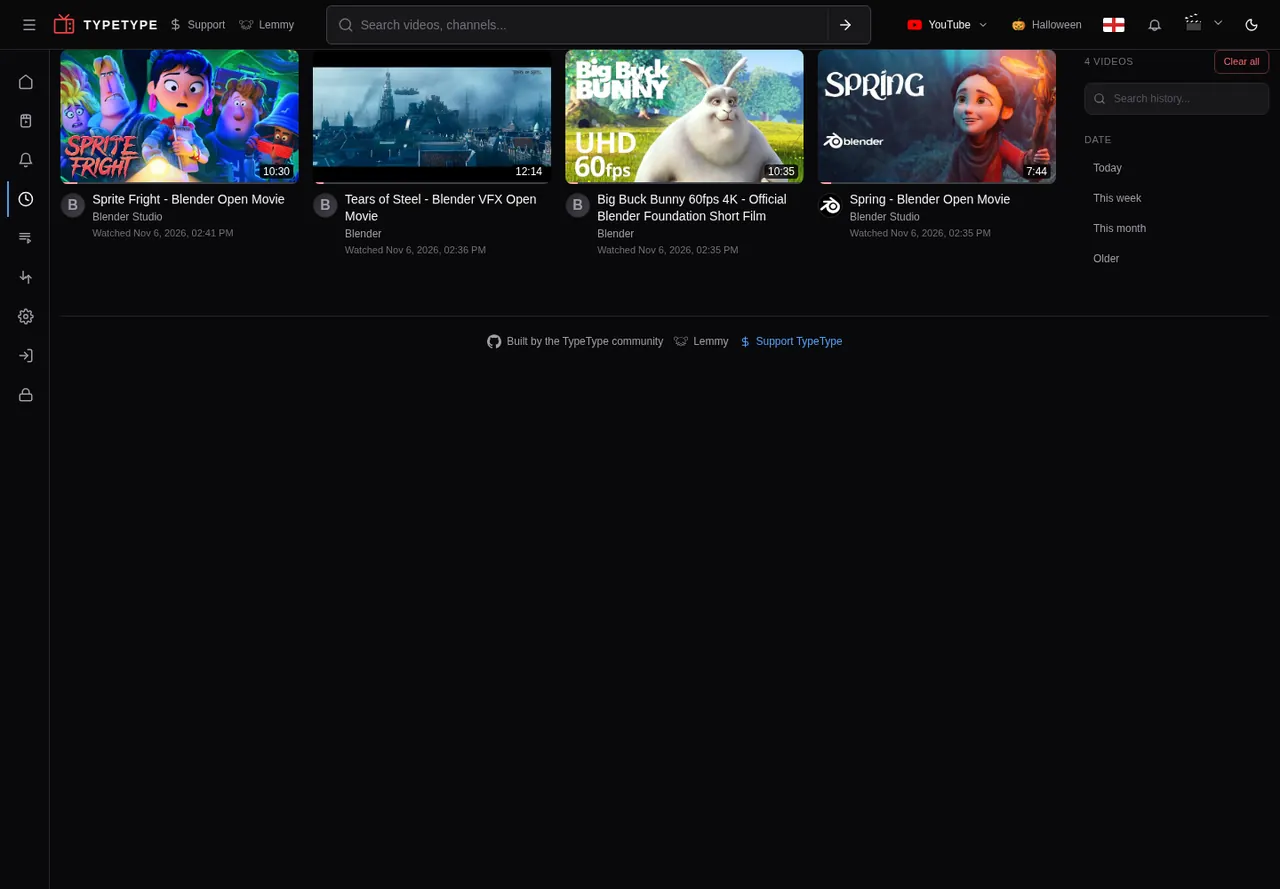
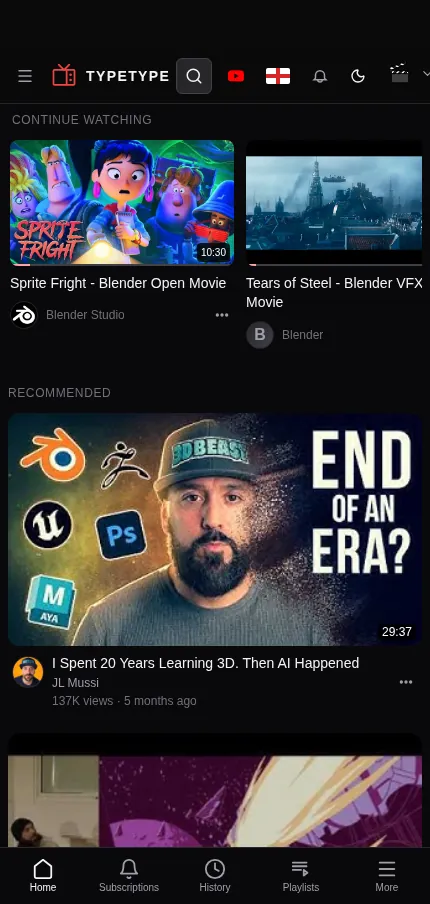
On your phone too
The same app fits small screens, so a link is all a friend needs.
Your turn.
Best on an instance you host yourself. The public one is there to try it out.
Also on
Host your own instance.
You need a machine with Docker Engine and Docker Compose v2. Run this and follow the prompts:
$ curl -fsSL https://typetype.video/install | bash- One command sets up the whole stack with Docker Compose.
- Secrets are generated for your install, and nothing starts without your OK.
- Update and roll back with the guides, your data stays in place.