
The big screen, made for the remote.
For Android TV and Google TV, up to 4K.
How it goes.
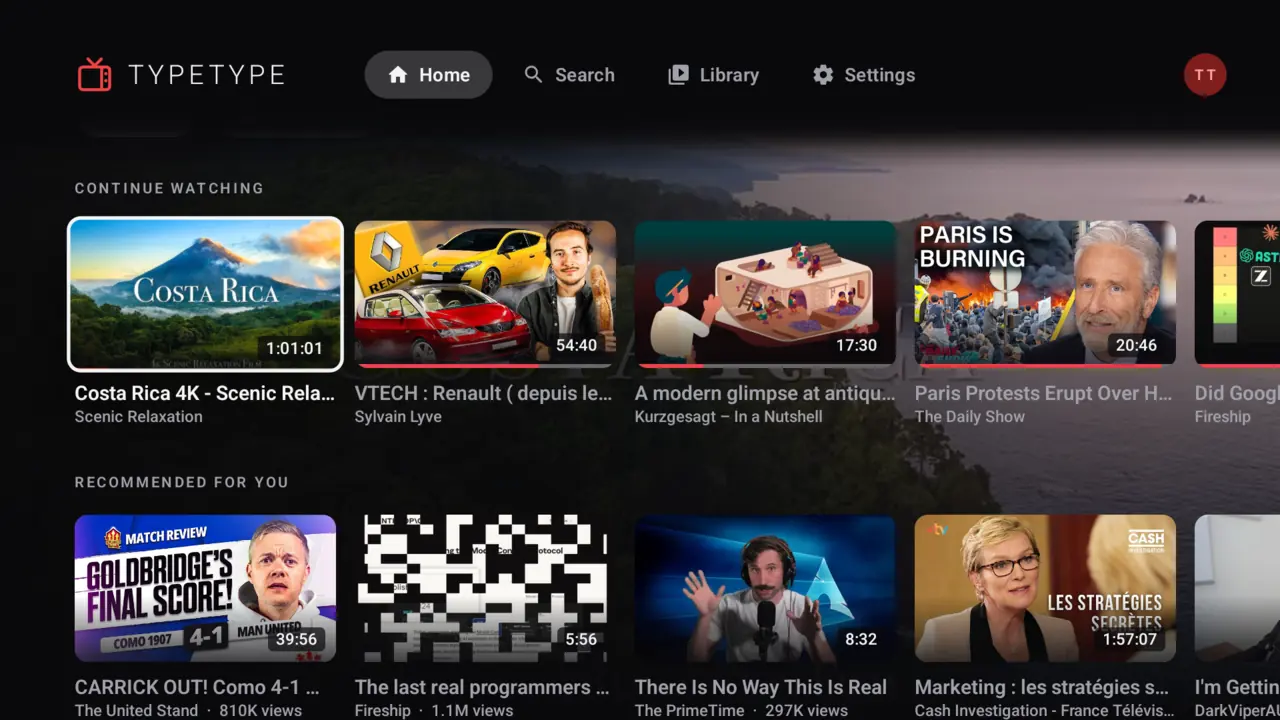
Rest on a video
Stay on it for two seconds and its preview plays behind the screen.
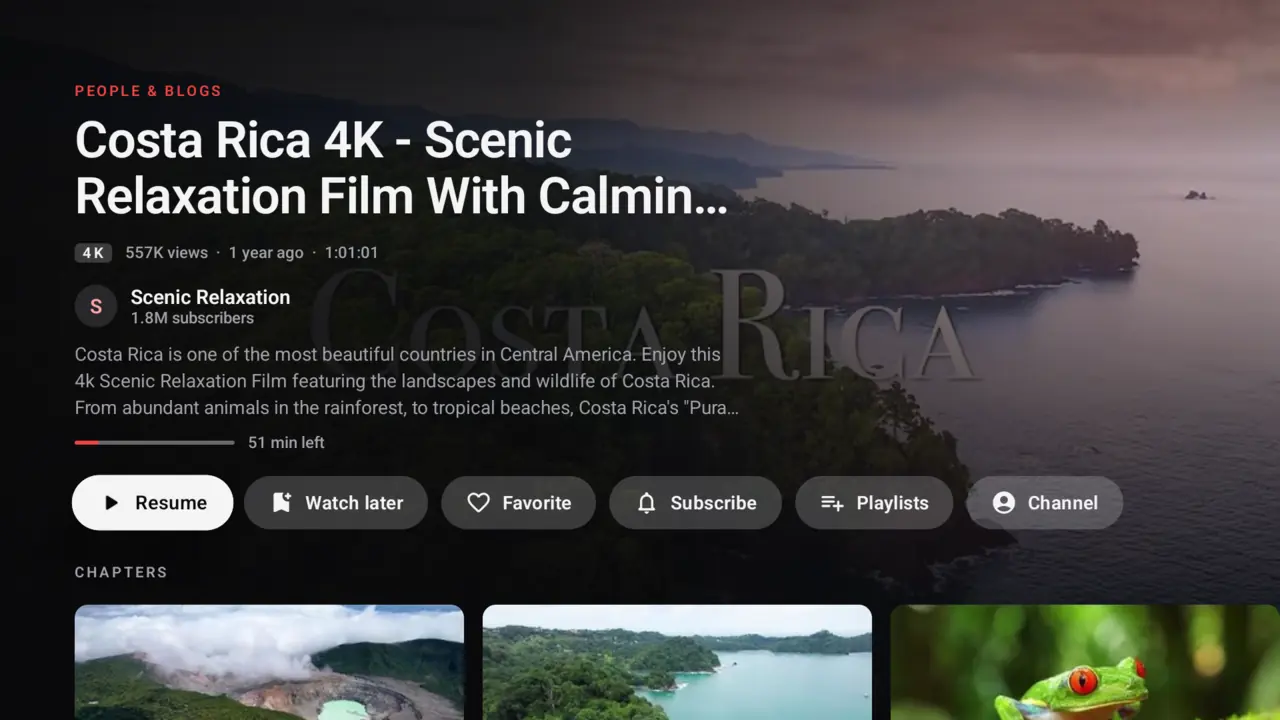
Know before you press play
Resume, save, subscribe or jump to a chapter, all with the remote.
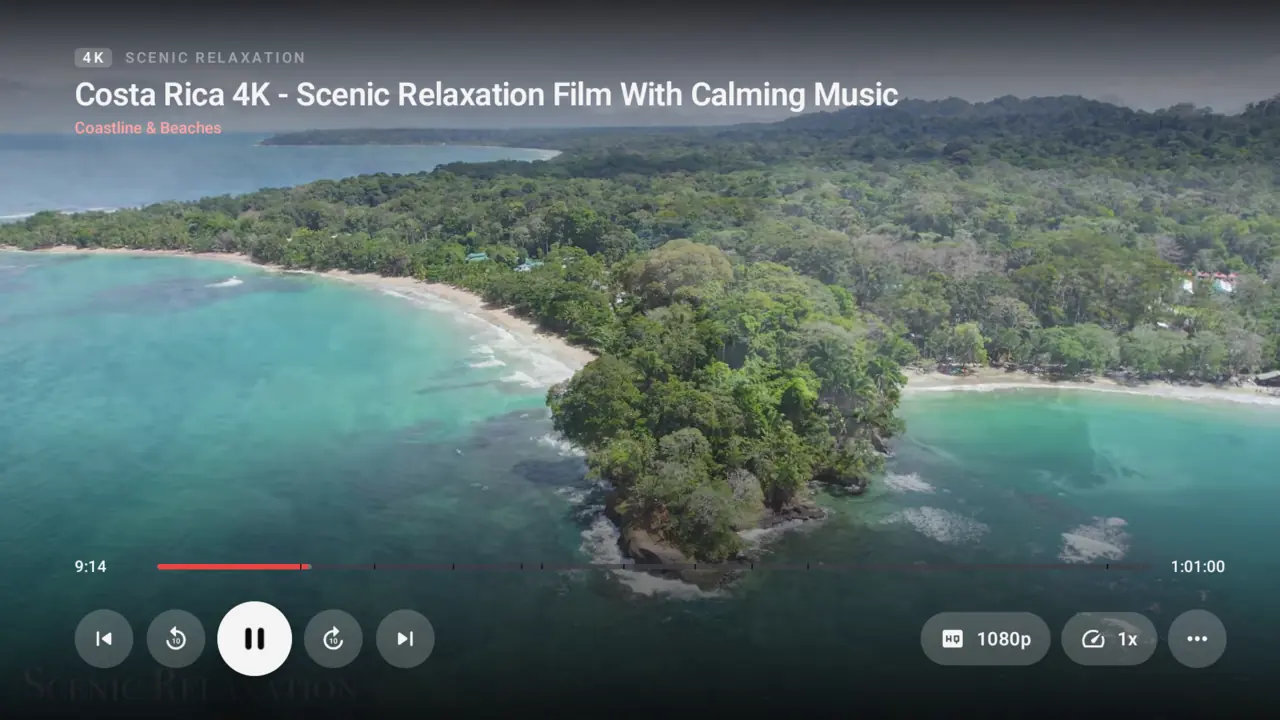
Up to 4K
The best codec your device can decode, and HDR on HDR screens.
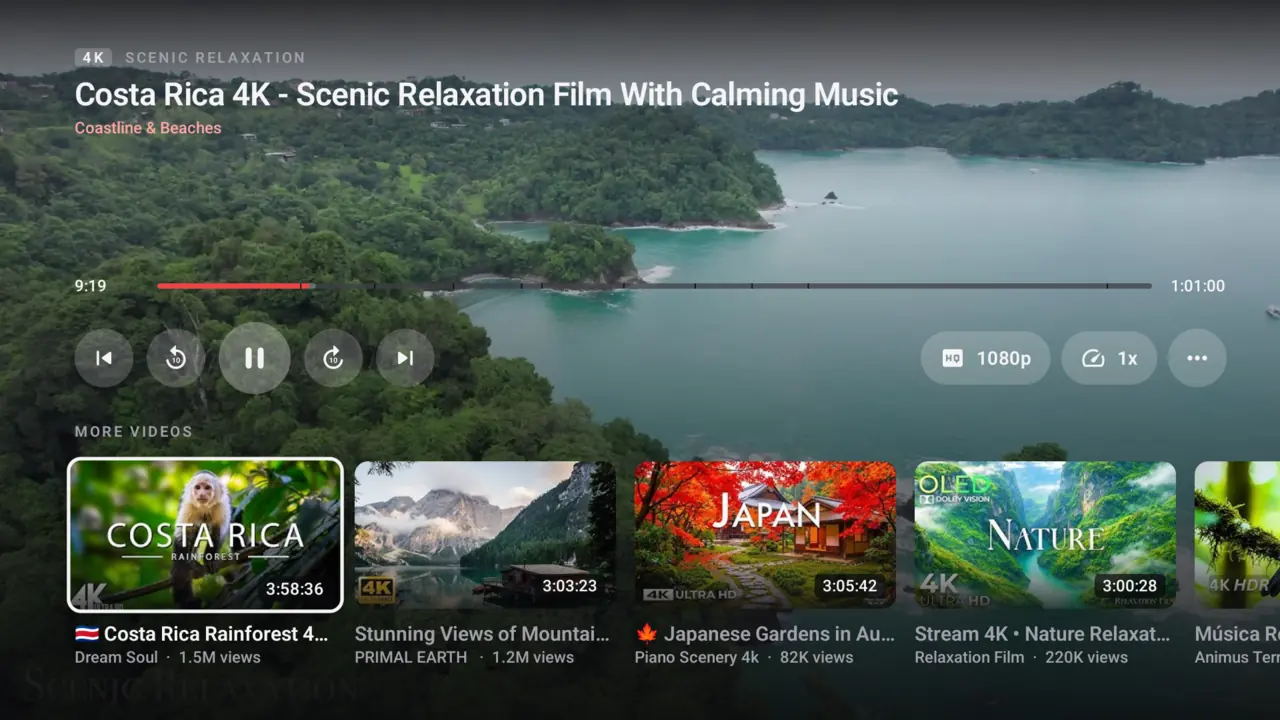
Keep browsing
Press Down twice to see more videos while this one plays.
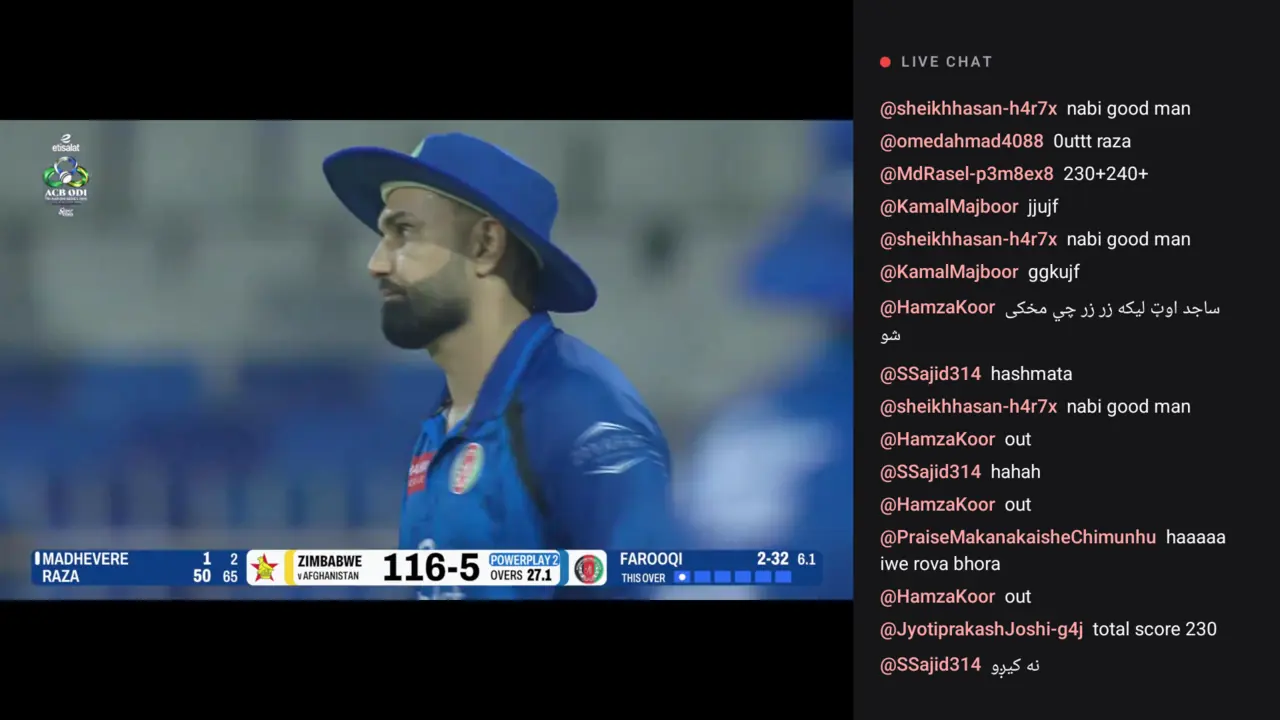
Live, with the chat
Live streams play with their chat right beside the picture.
Your turn.
Best on an instance you host yourself. The public one is there to try it out.
Also on
Host your own instance.
You need a machine with Docker Engine and Docker Compose v2. Run this and follow the prompts:
$ curl -fsSL https://typetype.video/install | bash- One command sets up the whole stack with Docker Compose.
- Secrets are generated for your install, and nothing starts without your OK.
- Update and roll back with the guides, your data stays in place.